
“The item “<Application> ” can’t be moved to the Bin because it’s open.”
This article is also helpful if you have tried all the methods to quit an application including Method 1 but still cannot force quit the application(See Method 2).
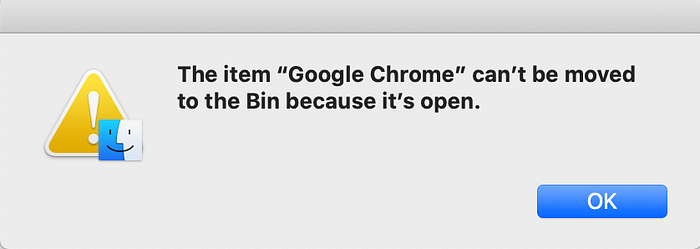
“The item “Google Chrome” can’t be moved to the Bin because it’s open.”
You can try one of the two methods to fix the issue. I advise to use the first method before hopping on to the second method.
- Method 1:
- Open Spotlight by pressing Cmd+Space.
- Type Activity Monitor.
- Select the application from the list.
- Click on the X in the upper left corner of the window.
- Click Force Quit to confirm that you want to quit the process.
- Now open Finder and go to the Applications directory.
- Select the application from the list.
- Right click and press Move to Trash.
Did Method 1 not work, don’t worry. There is a Method 2.(Only if you get the error of the type in the image above while uninstalling an application).