
Now that we’ve got the Oculus Meta 2 set up, we can establish our connection with Unity to begin creating VR games.
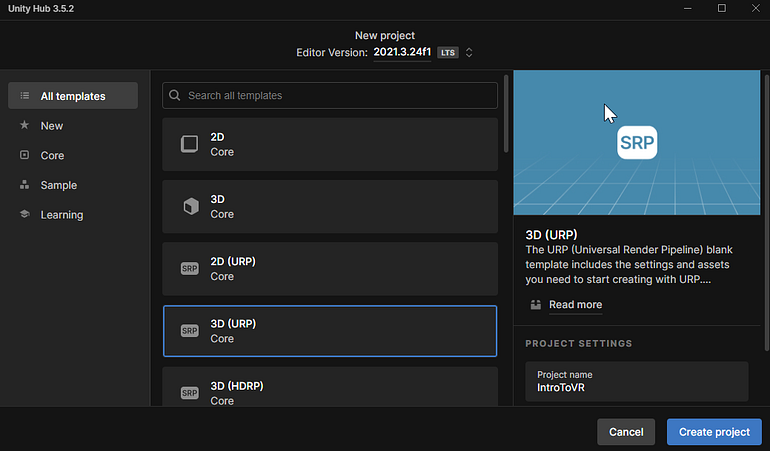
First, be sure to have the latest version of Unity 2021.3.## installed. With this version selected, we will be creating a 3D (URP) Core project.
To make this blank sample scene appear in our VR headset, we need to install XR Plugin Management. This can be found in the Package Manager within Unity.
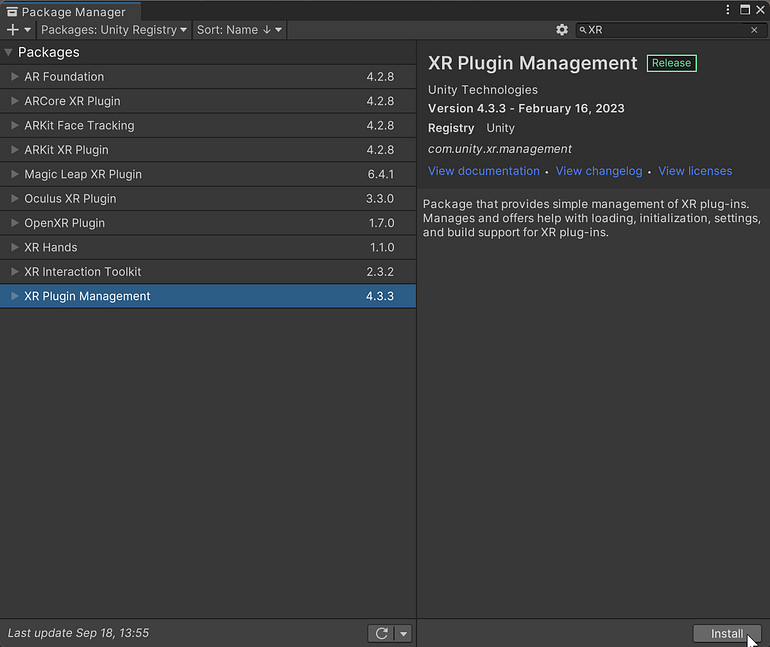
The XR Plug-in Management Package manages all our “behind-the-scenes” plugins for VR.