
After you’ve followed the installation instructions that come along with the Oculus Meta Quest 2, we can take a look into how to link it to your computer.
If you google, “Meta Quest 2 PC Software” the link to the Meta Store should arrive at the top of the list and will bring you to the official Meta Store site.
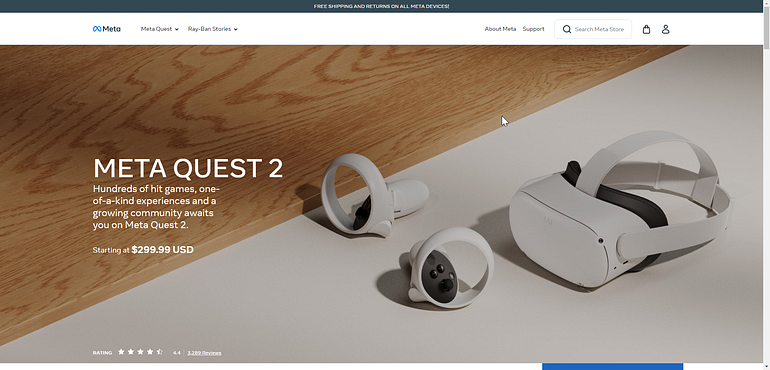
Scroll down to whatever Version of the Oculus that you have — in my case, it’s the Oculus Meta Quest 2 — and select “Download Software.”