
Exciting Update! The wait is over. Midjourney’s highly anticipated “Inpainting” feature has finally arrived!
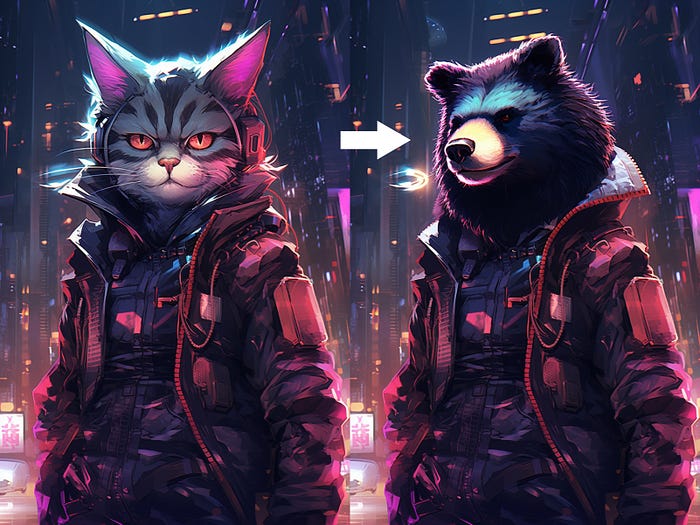
They are calling it “Vary (Region)”. As the name suggests, you can make variations in selected regions of an image including removing unwanted objects or filling in the missing parts.
Today, let me share with you creative usage and techniques to fully utilize the potential of the new “Vary Region ” feature with custom prompts!
Follow this quick start and prompts if you are new to Midjourney:
The Ultimate Beginner’s Guide to Midjourney
Follow this Step by Step Guide to Becoming a Prominent AI Art Creator!
20+ Incredible MidJourney Prompts That Will Blow Your Mind ( Part 1 )
Learn Midjourney Prompts to Generate Amazing AI Arts
Let’s start with some basic usages.
What is “Vary (Region) — Inpainting”
The “Vary (Region)” option allows you to select and regenerate specific parts of an image. This allows users to remove unwanted objects or fill in missing parts which works similarly as inpainting.