
Spotlight, the supercharged search tool on your Mac, is more than just a quick way to find files or launch applications. It’s a hidden gem that can significantly boost your productivity. Here’s a nifty trick you might not know about: using Spotlight to not just find your files but also quickly navigate to their location.
Step 1:
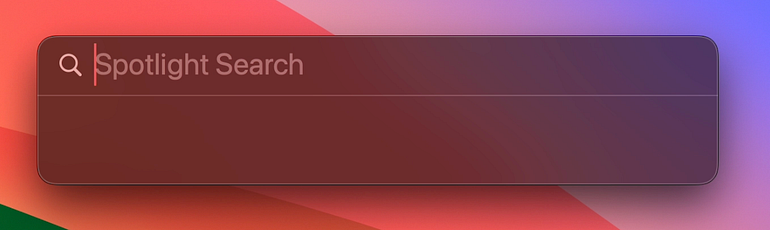
Open Spotlight by using the shortcut Cmd (???) + Spacebar.
Step 2:
Begin typing the name of the file you’re searching for. As you type, Spotlight will start suggesting results.