
Welcome to the world of app development! In this blog, we’ll be exploring the basics of building a Caller ID and Spam Blocker app for Android. Despite the numerous challenges posed by the latest Android APIs, including background restrictions, creating a functional and user-friendly app is still possible. Whether you’re a beginner or have some experience in app development, this blog will provide you with a solid foundation for creating your own caller ID and spam blocker app. So, let’s get started!
Call screening service:
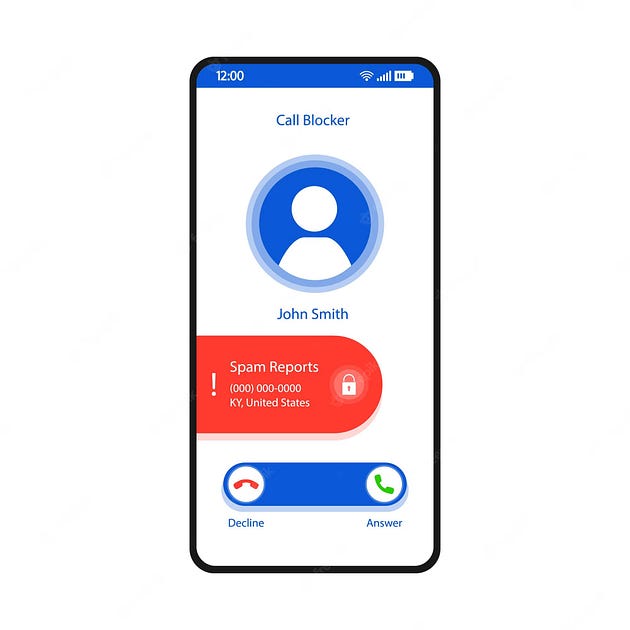
In our blog, we will use the Android Call Screening Service to build a caller ID and spam blocker app. For incoming and outgoing calls, the telecom system will connect to the app selected by the user that implements the CallScreeningService API.
Implementing the CallScreeningService API is simple. Start by creating a class that extends the CallScreeningService class provided by the Android framework. Give it a name of your choice, for example, “MyCallScreeningService”. Then, override the onScreenCall callback, which is triggered when a new incoming or outgoing call is received.