
Whenever you make a game, there’s a point where you’ll need to chain together all of your scenes to create some global experience for the player — what we call the main game loop.
And, actually, creating a simple game loop to learn this chaining logic is quite easy!
So, in this tutorial, let’s discuss how to setup the entire scene-switch process for a very basic game, from the splash screen to the replay UI, in Godot4 and C#…
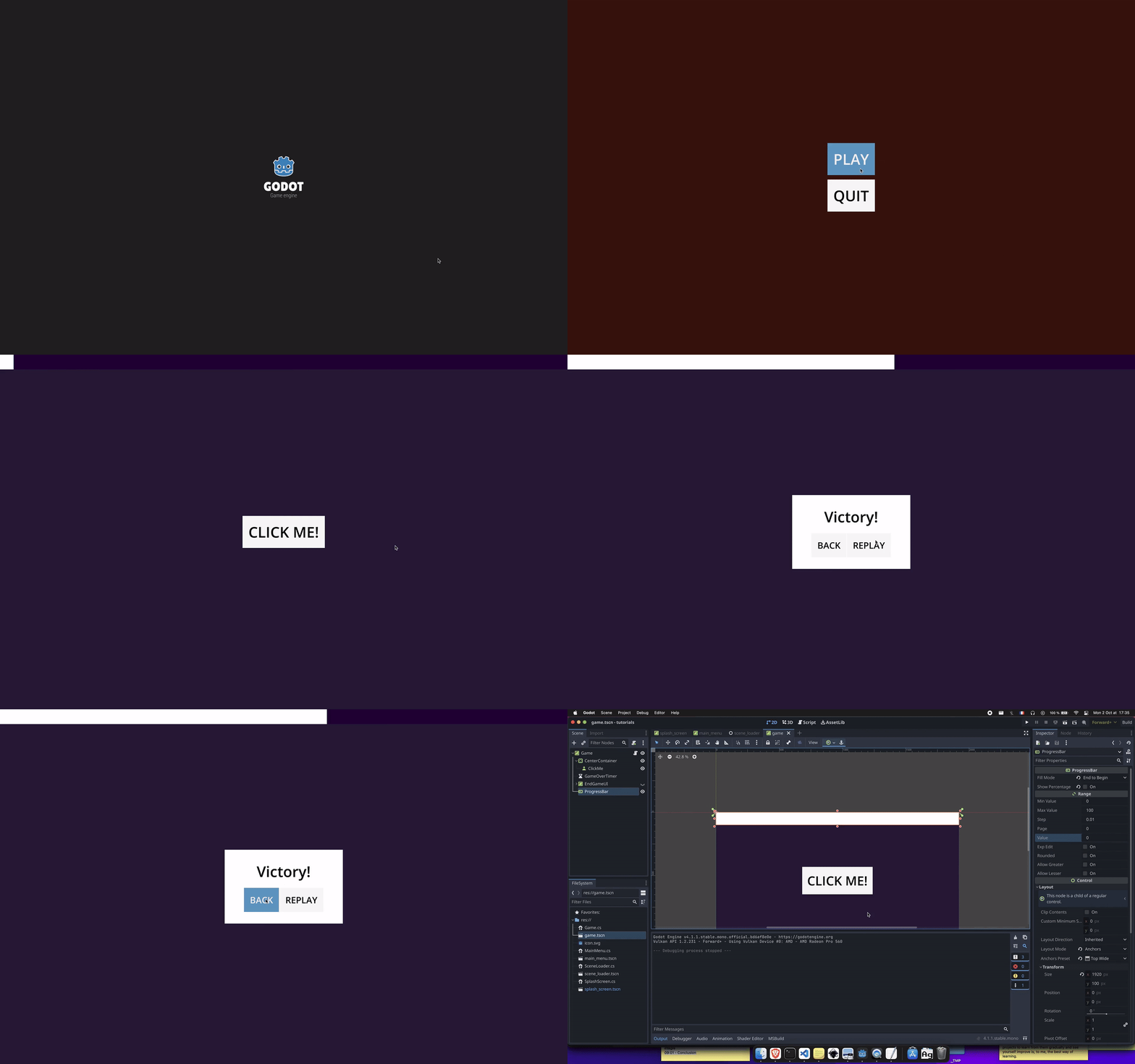
We’ll also take this opportunity to talk about the basics of Godot’s UI system, as we’ll have several scenes focused on UI components, and about the power of Godot’s autoloads.
As usual, since we’ll be coding our logic in C#, make sure that you have a version of Godot with .NET enabled.