
This is an updated version of this article. This other article is now 2 years old and I’ve picked up some other tools since then. So now I’m using pnpm instead of yarn, and unocss instead of tailwindcss.
Let’s start by opening a terminal and typing:
pnpm create vite todos
It will ask if you want to use a JavaScript framework. Let’s go with Vue. It will also add if you want to use TypeScript or JavaScript. I will strongly suggest to select TypeScript instead of JavaScript and gradually add some TypeScript into your code.
Now move into the folder, install the dependencies and start it.
cd todos
pnpm i
pnpm dev
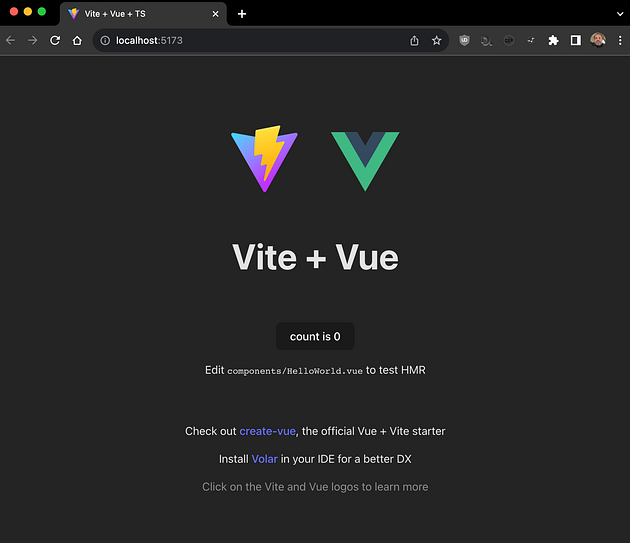
This will start the vite server on port 5173 by default, so if you open it in a browser you’ll see something like this:
Like I mentioned at the beginning of the post, I’ve started using UnoCSS instead of TailwindCSS after reading this post by Anthony Fu.